

Download Tele Streamer – Free Global TV Streaming App for Windows, Mac, Android & iOS
Tele Streamer is a powerful and user-friendly streaming application that brings over 850 television channels from around the world directly to your device. Whether you're a language learner, cultural explorer, or simply curious about global media, Tele Streamer offers a vast selection of live TV channels in multiple languages. With support for Windows, Mac, Android, and iOS, this free streaming tool allows you to watch news, entertainment, sports, and more — all in real-time.
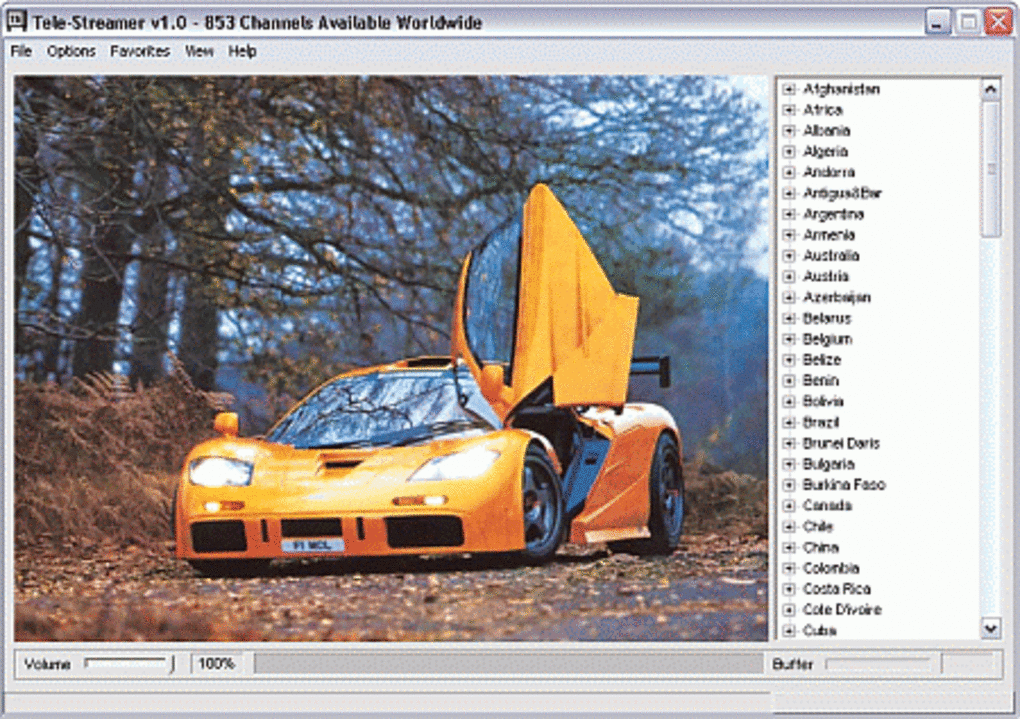
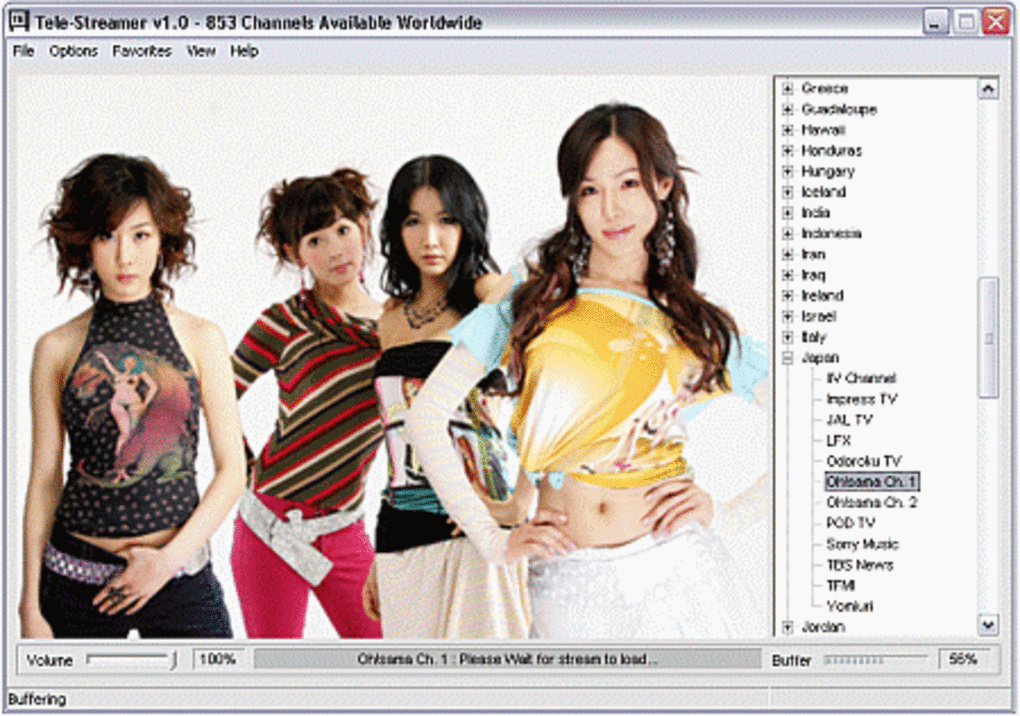
The clean, intuitive interface makes navigation simple, letting you browse by country and instantly start watching your favorite international broadcasts. While the app doesn’t support pausing or recording streams, its strong performance, consistent video quality, and wide channel selection make it a top choice for anyone looking to explore global television content securely and efficiently. Download Tele Streamer today and expand your worldview with just a few clicks.
Explore 850+ Global TV Channels with Tele Streamer
Tele Streamer stands out in the crowded streaming market by offering access to over 850 live television channels from nearly every corner of the globe. This isn’t just a collection of mainstream networks — it’s a true global media portal. From BBC News and Al Jazeera to lesser-known regional stations in Africa, South America, and Southeast Asia, Tele Streamer delivers a rich tapestry of international programming. Whether you’re trying to improve your Spanish by watching Mexican telenovelas, understand French news coverage from Paris, or catch a live sports match from Nigeria, this app puts the world at your fingertips. One of the most impressive aspects of Tele Streamer is its focus on real-time, web-based broadcasts. Unlike traditional streaming platforms that rely on pre-processed content, Tele Streamer pulls directly from the official online feeds of TV stations. This means you’re watching the same live broadcasts that viewers in other countries are seeing — no delays, no recordings, just authentic, up-to-the-minute content. The app organizes channels by country, so you can easily browse through options like “Germany,” “Japan,” or “Egypt” and double-click to start watching. The interface is refreshingly simple — no clutter, no complex menus, just a clean list that gets you to the content fast. While not every channel may be available at all times due to server availability or regional restrictions, the vast majority of streams work reliably. When they do, the video quality is surprisingly solid, especially for a free tool. Audio is clear, buffering is minimal under normal internet conditions, and the app supports both windowed and full-screen viewing. This makes it ideal for both casual browsing and focused viewing sessions. Whether you're using a desktop or a mobile device, Tele Streamer delivers a seamless experience that’s hard to beat for a free application.Easy Installation & Intuitive Usage Across Devices
Getting started with Tele Streamer is a breeze, regardless of your operating system. The software is available for Windows, Mac, Android, and iOS, making it one of the most accessible global streaming tools on the market. For desktop users, simply visit the official website, download the installer (available in both 32-bit and 64-bit versions), and run the setup file. The installation process is quick and requires no technical expertise — just follow the on-screen prompts and you’ll be ready to stream in under a minute. On mobile devices, the app can be downloaded from trusted third-party platforms or via APK files for Android users. iOS users may need to sideload the app through a trusted developer portal, but the process is well-documented and straightforward. Once installed, launching the app opens a minimalistic interface that immediately displays a list of countries with associated TV channels. There’s no need to create an account or sign in — Tele Streamer is completely anonymous and privacy-focused. Using the app is as simple as it gets. Click on any country to see its available channels, then double-click the one you want to watch. The stream starts instantly, with no waiting for buffering or login screens. You can toggle between windowed and full-screen mode with a double-click, and the playback controls are basic but effective. The lack of pause, rewind, or record features is a notable limitation, but it’s a trade-off for the app’s lightweight design and real-time streaming model. Still, for users who value instant access to live content over advanced playback controls, this is a small price to pay. The app also supports automatic updates, ensuring you always have the latest version with improved stability and access to new channels. Regular updates help maintain compatibility with changing web protocols and content delivery systems, so your streaming experience remains smooth over time. With its universal compatibility and hassle-free setup, Tele Streamer is a perfect choice for users of all technical levels.Pros, Cons & Key Features at a Glance
Tele Streamer offers a compelling mix of features, benefits, and limitations that make it a standout option for global TV enthusiasts. Below is a detailed breakdown to help you decide if it’s the right fit for your needs.- Over 850 live TV channels from more than 100 countries worldwide
- Real-time streaming from official web feeds of TV broadcasters
- Support for Windows, Mac, Android, and iOS devices
- Simple, intuitive interface with country-based channel organization
- High-quality video and audio when streams are stable
- Free to download and use with no hidden costs
- Privacy-focused — no login or data collection required
- Automatic updates for improved performance and channel access
Pros
- Massive global channel selection with diverse languages and content types
- Lightweight and fast loading with minimal system resource usage
- Perfect for language learners, students, and cultural explorers
- Real-time viewing without delay — ideal for breaking news and live events
- Secure and private — no personal data collected
Cons
- Cannot pause, rewind, or record live streams
- Some channels may be unavailable due to server issues or regional blocks
- Mobile version may require sideloading on iOS (not available on App Store)
- Limited customization options and no playlist or favorites feature
- Dependent on third-party stream availability — no control over content uptime
Frequently Asked Questions (FAQ)
Is Tele Streamer free to use?
Yes, Tele Streamer is completely free to download and use. There are no subscription fees, in-app purchases, or hidden costs. The app is supported by its developers through occasional updates and community engagement.
Can I watch Tele Streamer on my iPhone or iPad?
While Tele Streamer isn’t available on the Apple App Store, you can still install it on iOS devices using sideloading methods. You’ll need to download the IPA file from the official website and use a trusted tool like AltStore or iTunes to install it.
Why do some channels not work?
Channel availability depends on the broadcaster’s web stream status. If the source server is down or restricted by regional policies, the stream won’t load. This is beyond Tele Streamer’s control, as it only acts as a viewer for live web feeds.
Can I pause or record live TV streams?
No, Tele Streamer does not support pausing, rewinding, or recording live streams. The app is designed for real-time viewing only, which means you must watch content as it’s broadcasted.
Does Tele Streamer collect my personal data?
No, Tele Streamer is completely privacy-focused. It does not require registration, track your viewing habits, or collect any personal information. Your browsing remains anonymous and secure.
How often does Tele Streamer update?
The app receives regular updates to fix bugs, improve performance, and add new channels. Updates are automatic and ensure compatibility with changing web streaming protocols.







